
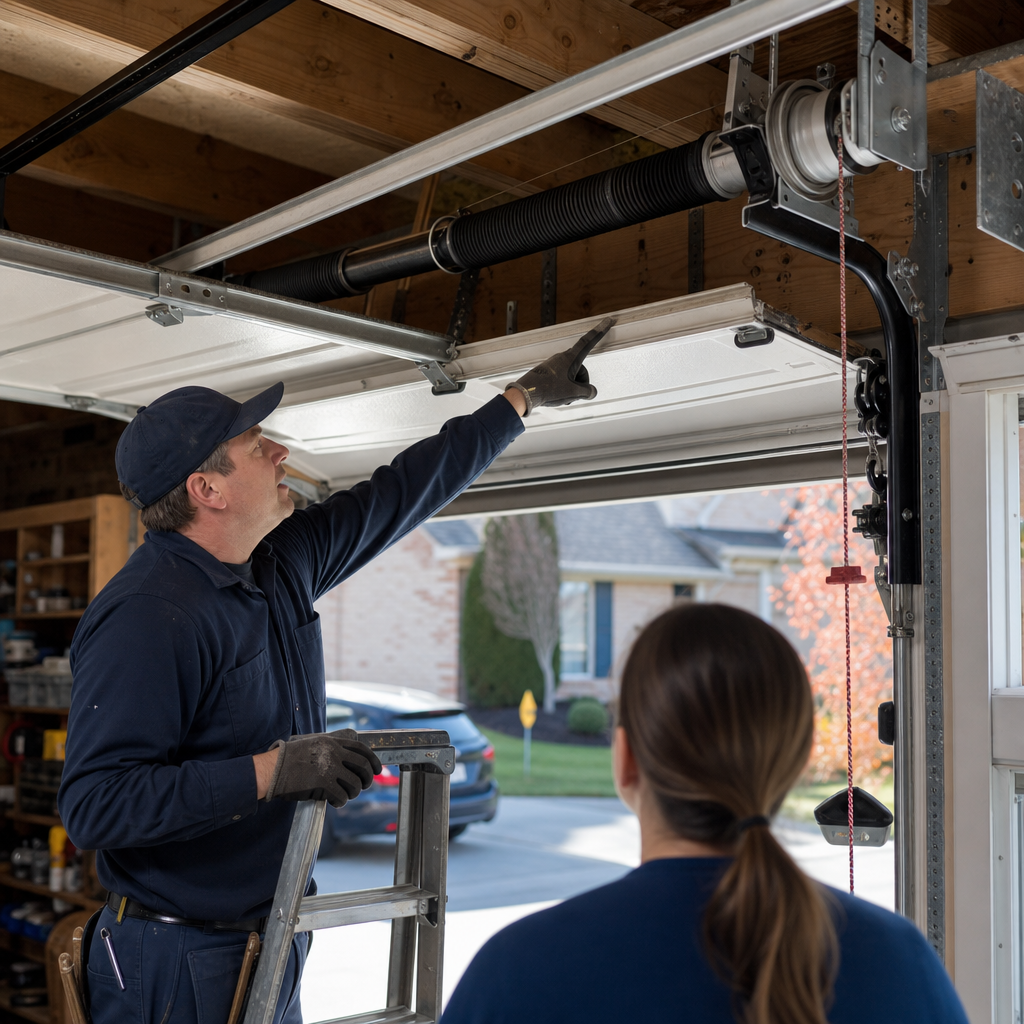
How to Program a Garage Door Opener in Allentown: Start With the Label on the Motor, Not the Remote
Programming a garage door opener in Allentown starts with identifying your opener’s brand and radio protocol from the label on the motor head — typically on the back or side panel — then pressing the colored “learn” button and following brand-specific steps within 30 seconds. Most homeowners in Allentown’s older housing stock skip the identification step and end up resetting nothing, because a Security+ 2.0 LiftMaster programs differently than a Genie Intellicode or an older Craftsman 315MHz unit. If you’re stuck after two tries, call us at (877) 730-7790 — Stephen Rogers, our owner and lead technician, handles opener service across Allentown’s row home neighborhoods daily.
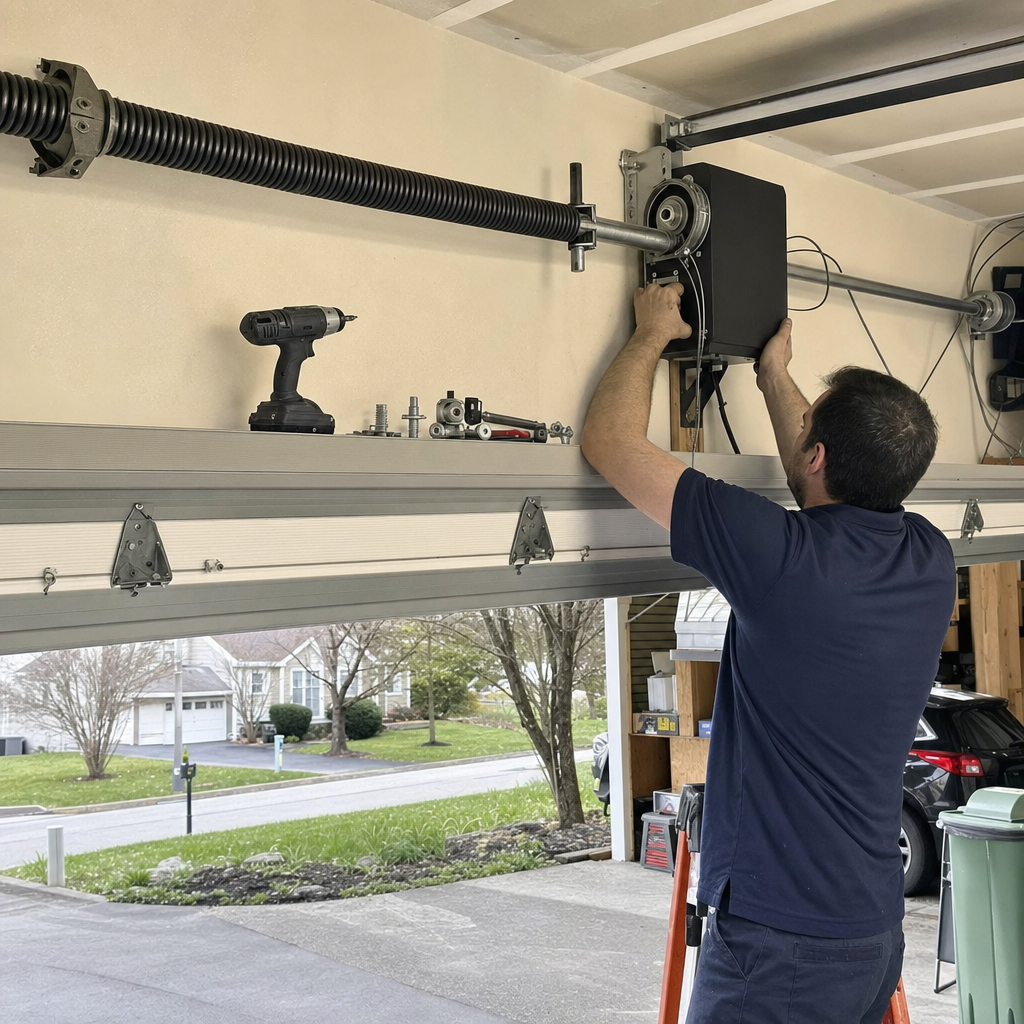
Why Allentown’s Older Housing Stock Makes Opener Identification the Real Challenge
Last March, we got a call from a homeowner in Old Allentown who’d spent a weekend trying to program a single-button remote into what she thought was a “standard Chamberlain.” The motor head label had worn off, the previous owner left no manual, and she’d been pressing the learn button on a Genie Intellicode 2 system while following LiftMaster instructions from a YouTube video. Nothing happened because nothing was supposed to happen.
This scenario repeats constantly in Allentown’s pre-WWII row home and twin home neighborhoods — Old Allentown, the South Side, and pockets of the West End — where alley-accessed single-car garages from the 1920s–1940s still carry openers installed by owners three transactions back. Stephen Rogers, our owner and lead technician, grew up in Allentown’s West End neighborhood, a few blocks from Cedar Beach Park, and he’s walked into enough of these garages to know that “find the manual” is rarely step one.
The actual first step is reading the motor head label. Here’s what to look for:
- Brand name — usually molded into the plastic housing or on a metal specification plate
- Model number — often starts with letters indicating the series (e.g., “LiftMaster 8365” or “Genie 2055”)
- Frequency — 390 MHz, 315 MHz, or 2.4 GHz (for myQ-enabled units)
- Manufacture date — pre-1996 openers use fixed codes; 1996–2011 typically use rolling code; 2011+ often use Security+ 2.0 or Intellicode 2
If the label is illegible or missing, check the learn button color on the motor head. This single detail tells you the protocol:
| Button Color | Protocol | Common Brands | Typical Era |
|---|---|---|---|
| Yellow | Security+ 2.0 | LiftMaster, Chamberlain, Craftsman | 2011–present |
| Purple | Security+ | LiftMaster, Chamberlain, Craftsman | 2005–2011 |
| Red/Orange | Rolling code | LiftMaster, Chamberlain, Genie, Craftsman | 1996–2005 |
| Green | Fixed code | Older Genie, Raynor, Wayne Dalton | Pre-1996 |
Guessing the protocol is where most Allentown homeowners waste time. A yellow-button Security+ 2.0 system won’t recognize a remote programmed for a purple-button Security+ system, even within the same brand family. The radio frequencies and encryption handshakes are completely different.
Programming Steps for the Three Opener Types We See Most in Allentown
After 14 years of focused garage door work in the Lehigh Valley, Stephen has developed a simple rule: program to the protocol, not the brand name on the remote. Here are the three systems that dominate Allentown’s older housing stock.
LiftMaster / Chamberlain / Craftsman Security+ 2.0 (Yellow Learn Button)
This is the most common system in Allentown garages upgraded since 2011. The yellow button indicates Tri-Band (310/315/390 MHz) frequency-hopping with billion-code encryption.
- Locate the yellow learn button on the back or side of the motor head — it’s usually behind a light lens cover.
- Press and release the yellow button once. The LED next to it will glow steadily for 30 seconds.
- Within 30 seconds, press and hold the button on your remote that you want to program.
- Release the remote button when the garage door opener lights flash or you hear two clicks.
- Test the remote. If the door moves, programming is complete.
Critical detail for Allentown’s shared-alley garages: Security+ 2.0 openers can store up to 40 remote codes. If you’ve moved into a property where previous tenants or owners had multiple remotes, the memory may be full. You’ll need to clear all codes first by holding the yellow learn button for 6 seconds until the LED goes out — but this erases every programmed device, including keypads and vehicle HomeLink systems.
Genie Intellicode (Red or Purple Learn Button)
Genie systems appear frequently in Allentown’s 1990s-era renovations and in some Raynor-branded units (Raynor manufactured by Genie during certain periods). The Intellicode system changes the access code with every use.
- Find the learn button — typically red or purple, located near the antenna wire on the motor head.
- Press and release the learn button once. A small LED will blink twice per second.
- Press the remote button you wish to program slowly — two distinct presses, about one second apart.
- The LED will stop blinking and turn solid, then go out. The opener will click twice.
- Test immediately. Genie systems time out faster than LiftMaster — roughly 20 seconds.
When programming fails on a Genie: If the learn button LED doesn’t light at all when pressed, the logic board has likely failed. This is common in Genie units from the early 2000s that we still encounter in Allentown’s South Side rentals — the board failure mimics a programming problem, but no amount of button-pressing will help. Garage Door Opener repair or replacement becomes the only path forward.
Older Craftsman 315MHz (Purple or Red/Orange Learn Button)
Craftsman-branded openers from 2005–2011, manufactured by Chamberlain, use a 315MHz rolling code system. These units are aging but still operational in many Allentown twin homes where the opener was a mid-2000s upgrade.
- Press and release the purple or red/orange learn button. The indicator LED will light for 30 seconds.
- Press and hold the remote button until the opener lights flash or you hear a click.
- Release and test.
Compatibility warning: These 315MHz Craftsman units are not forward-compatible with Security+ 2.0 remotes. If you’ve purchased a “universal” remote that claims to work with “all Craftsman openers,” verify it specifically lists 315MHz support — many newer universal remotes only cover Security+ 2.0 frequencies.
When Your Vehicle’s HomeLink Won’t Pair: The Pre-1996 Problem
Allentown’s alley garages hide a surprising number of pre-1996 openers — fixed-code units with green learn buttons or dip-switch remotes. These were never designed to communicate with modern vehicle HomeLink systems, which expect rolling-code or encrypted protocols.
If your opener predates 1996 and your car’s HomeLink won’t pair, you have two options:
- Add a receiver module — A universal receiver (typically $80–$150 installed) bridges the gap by accepting modern encrypted signals and outputting the older fixed-code commands your opener understands.
- Replace the opener — Given that pre-1996 openers lack modern safety features (no automatic reversal on obstruction, no photo-eye sensors), replacement often makes sense. Our home page outlines current opener options.
The Lehigh Valley’s cold winters — with temperatures regularly dropping into single digits and frequent late-winter ice storms — accelerate wear on aging opener mechanical components. A pre-1996 unit struggling with programming is often signaling broader system fatigue.
The Memory-Full Problem: When Previous Owners’ Remotes Block New Ones
This is the step every generic guide skips, and it’s the one that wastes the most time in Allentown’s rental-heavy neighborhoods.
Most openers store 40 remote codes maximum. In a row home that’s had four tenants in ten years, each with two remotes and a keypad, that memory fills up. When you press the learn button and try to add your remote, nothing happens — not because you’re doing it wrong, but because there’s no storage left.
To clear all codes and start fresh:
- Press and hold the learn button for 6 seconds (LiftMaster/Chamberlain/Craftsman) or until the LED goes dark.
- Release. All remotes, keypads, and vehicle pairings are now erased.
- Reprogram your devices one at a time, testing each before moving to the next.
Stephen’s seen homeowners in Allentown’s West End spend hours on partial clears — erasing one remote while three ghost remotes from 2017 still occupy memory slots. A full erase is the only clean start.
When Programming Failure Means Mechanical Failure
Here’s the diagnostic line that separates a programming problem from a repair problem: Does the learn button LED respond when pressed?
If the LED lights — even briefly — the logic board is alive and you’re dealing with a protocol or memory issue. If the LED stays dark, the board has failed. This is particularly common in:
- Genie units from 2000–2008 with known capacitor failures on the logic board
- Chamberlain/LiftMaster units exposed to Lehigh Valley humidity swings in unventilated alley garages
- Any opener that has survived multiple power surges from Pennsylvania’s summer storm season
Logic board replacement typically falls in the $120–$320 range for opener repair, depending on the brand and part availability. For units over 12 years old, Stephen usually recommends weighing that cost against Garage Door Opener Installation in Allentown, PA at $250–$550 — especially given that modern units include battery backup (now relevant for Pennsylvania’s increasingly frequent storm outages) and smartphone connectivity.
Key Takeaways for Allentown Homeowners
- Always identify your opener’s protocol from the motor head label or learn button color before attempting programming
- Yellow button = Security+ 2.0; purple = Security+; red/orange = rolling code; green = fixed code
- Clear full memory if previous owners’ remotes may have filled the 40-code limit
- Pre-1996 openers won’t pair with modern HomeLink without a receiver bridge
- No LED response from the learn button indicates logic board failure, not user error
FAQs
Professional opener programming in Allentown typically runs $120–$320 if it’s a straightforward protocol setup, or $250–$550 if you need a new opener installed with full programming of remotes and vehicle HomeLink. We provide upfront pricing before any work begins — call (877) 730-7790 for an exact quote; estimates are free.
The most common cause in Allentown’s older housing stock is a full memory bank from previous owners’ remotes, or a protocol mismatch between your remote and opener. Try clearing all codes by holding the learn button for 6 seconds, then reprogramming. If the learn button LED doesn’t light at all, the logic board has likely failed and needs professional diagnosis.
Yes — Cardinal Garage Door Service Greater Allentown offers same-day opener service across Allentown, including evening and weekend availability for urgent situations when your door is stuck open or closed. Emergency Garage Door Opener in Allentown, PA is available when it can’t wait; call (877) 730-7790 to check current availability.
For openers under 10 years old with isolated issues, repair at $120–$320 is usually the better value. For units over 12 years old, especially pre-1996 fixed-code openers or those with logic board failures, replacement at $250–$550 typically makes more financial sense — you’ll gain modern safety features, battery backup, and smartphone compatibility. Stephen Rogers, our owner and lead technician, assesses each situation honestly and will tell you when repair isn’t worth pursuing.
When to Call a Pro in Allentown
If the door’s giving you trouble, there’s a reason — let’s find it and fix it right. Programming frustrations in Allentown’s older housing stock often mask deeper issues: logic board failures in aging Genie units, memory-saturated systems in rental properties, or incompatible protocols between inherited remotes and installed openers. Stephen Rogers handles the majority of our service calls personally, bringing 14 years of focused garage door experience and direct owner accountability to every job.
Cardinal Garage Door Service Greater Allentown has earned 619 verified customer reviews averaging 4.7 stars by solving problems correctly the first time — not by upselling solutions homeowners don’t need. If you’re looking for the Best Garage Door Opener in Allentown, PA or would rather have your opener situation looked at by someone who knows the quirks of LiftMaster, Chamberlain, Genie, Clopay, Amarr, Wayne Dalton, Craftsman, and Raynor systems from hands-on experience, we’re here. Call (877) 730-7790 for a free, no-pressure estimate in Allentown.
Written by Stephen Rogers, Owner & Lead Technician at Cardinal Garage Door Service Greater Allentown, serving Allentown, PA.